No monthly listing fee
Start your online shop without paying a monthly platform fee.
Zylo-Buylo Supplier
Open your vendor store, list products, manage stock, receive orders and grow your business through Zylo-Buylo marketplace.
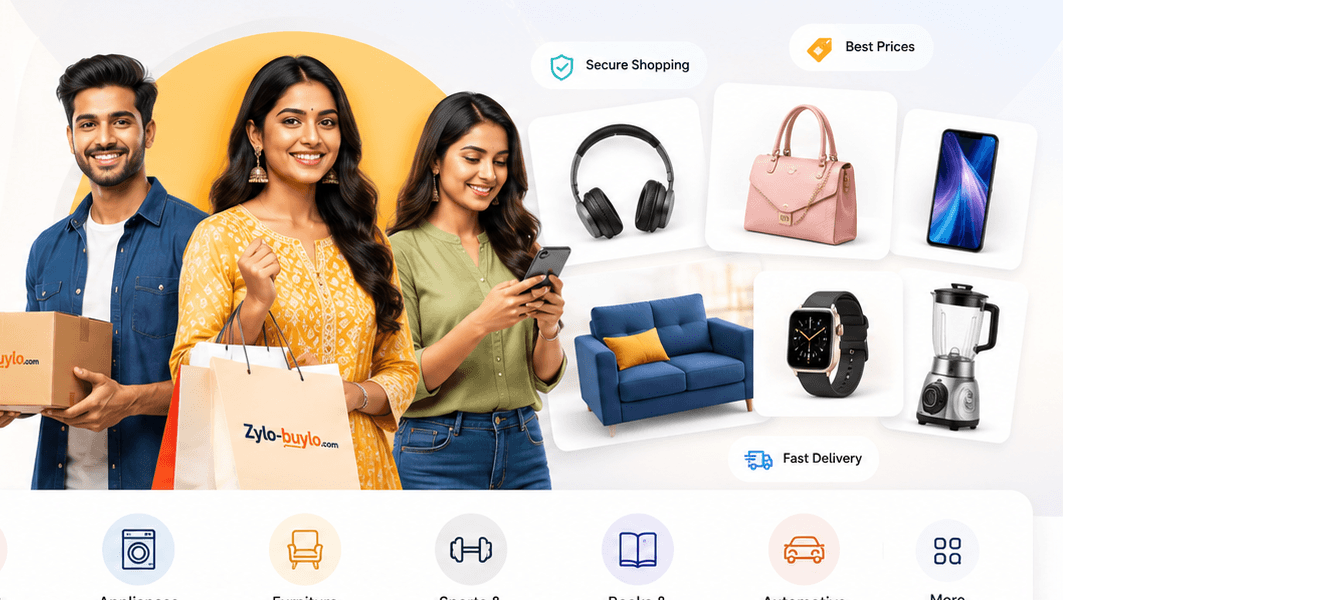
Start your online shop without paying a monthly platform fee.
Fashion, electronics, beauty, home, appliance parts and accessories.
Update inventory, manage orders and track delivery status from the vendor dashboard.
View sales, pending payments and payout history in one place.
How it works
Keep these details ready before starting the vendor form.
Sell categories
Common questions before joining Zylo-Buylo marketplace.
Click Start Selling, complete the vendor registration form, submit documents and wait for admin approval.
Your account can be created first, but product selling depends on store approval and completed profile details.
After approval, open the vendor dashboard to manage products, stock, orders, returns and payouts.
Vendor payout reports show order amounts, commission, deductions, pending payout and paid payout status.
Create your account, complete KYC and submit your store for approval.
Start Selling Now